

IT teams don’t struggle with planning frameworks, they struggle with execution at scale. As projects grow more complex, teams become distributed, and delivery timelines tighten, visibility gaps start to appear.
For IT project managers, engineering leaders, and CTOs, choosing the right IT Project Management Software becomes a strategic decision, not a tooling one.
This guide breaks down the top 5 project management software for IT teams, focusing on execution clarity, scalability, and real operational impact.
Benefits of Using the Right IT Project Management Software
For experienced IT teams, the right IT Project Management Software delivers more than organized tasks.
First, it improves delivery predictability by aligning plans with actual execution. When effort, time, and progress are connected, risks surface early instead of during final reviews.
Second, it enables real capacity planning. IT teams often overcommit due to poor visibility into workloads. The right platform helps allocate work based on availability, not assumptions.
Third, it provides cost and effort transparency. For fixed-scope or client-facing IT projects, tracking budgets against real effort prevents margin erosion.
Finally, it reduces manual reporting overhead, allowing leaders to focus on decisions instead of chasing updates.
Top 5 IT Project Management Software for IT Teams
1. Workstatus — Best for Execution Visibility and Control
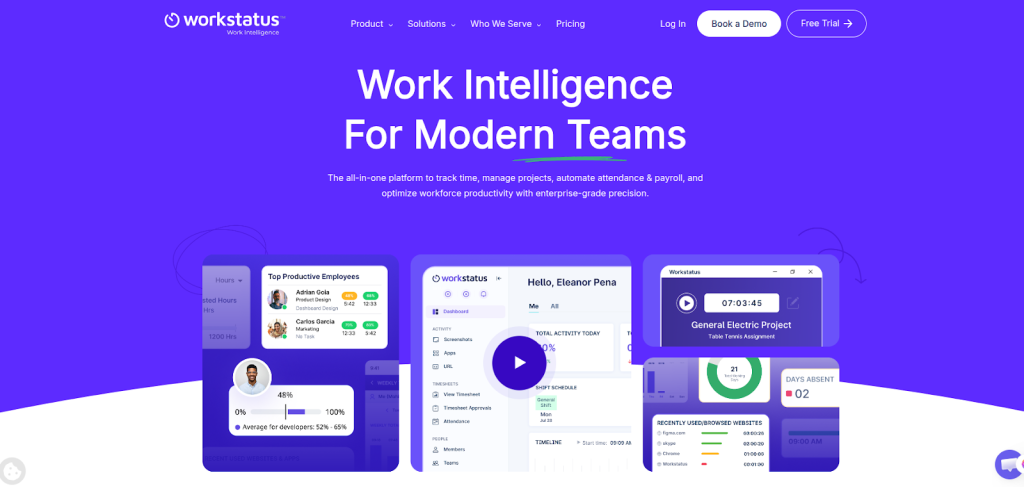
Workstatus is an IT Project Management Software built for teams that need clarity across planning, execution, and cost. It combines project tracking, time intelligence, workload visibility, and budget monitoring in one system, making it ideal for IT teams managing multiple projects and distributed resources.
Pros
- Strong visibility into real effort, workload, and delivery risks
- Native time, task, and budget tracking in one platform
Cons
- Advanced reporting may require initial configuration
- More execution-focused than lightweight task tools
Manage IT projects with confidence using Workstatus. Book A Demo now
2. Jira — Best for Agile-Centric Development Teams
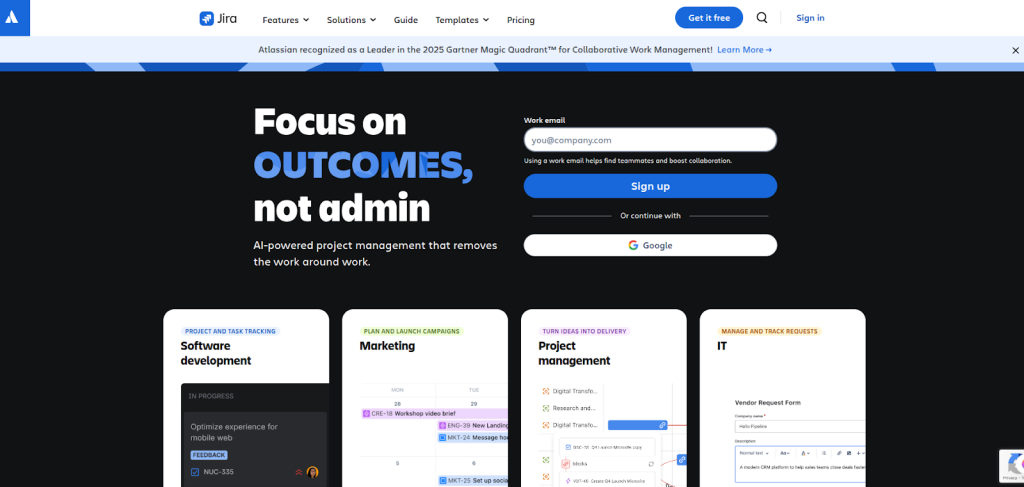
Jira is widely used by software development teams for managing issues, sprints, and backlogs. It offers deep support for Scrum and Kanban workflows and integrates well with other Atlassian tools used by engineering teams.
Pros
- Excellent support for Agile and sprint-based workflows
- Strong integration ecosystem for development tools
Cons
- Limited native budget and cost visibility
- Can feel complex for non-technical stakeholders
3. ClickUp — Best for Highly Customizable Workflows
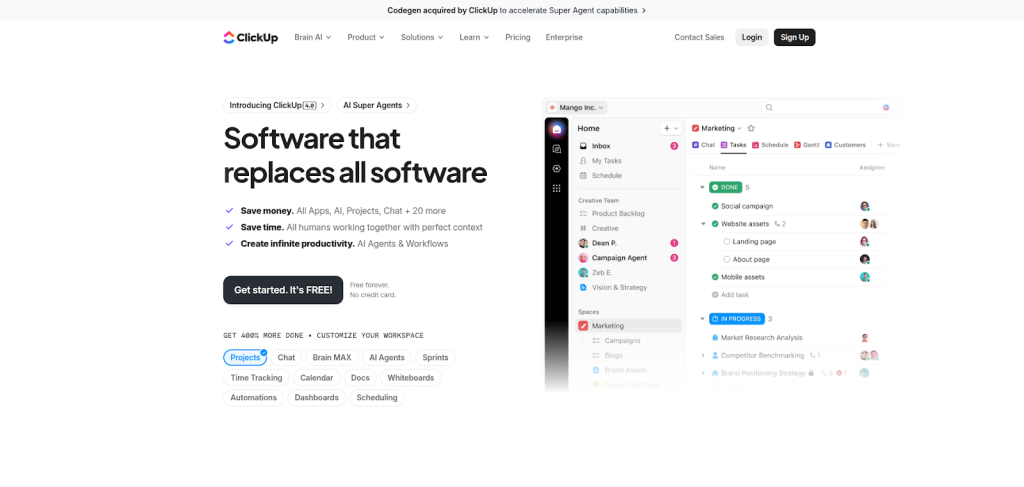
ClickUp is a flexible project management platform that allows IT teams to customize workflows, views, and automation. It supports multiple project styles, making it suitable for teams that want control over how work is structured and tracked.
Pros
- Highly customizable views and workflows
- Combines tasks, docs, dashboards, and automation
Cons
- Requires setup discipline to avoid clutter
- Execution insights depend heavily on configuration
4. Monday. com — Best for Cross-Team Collaboration
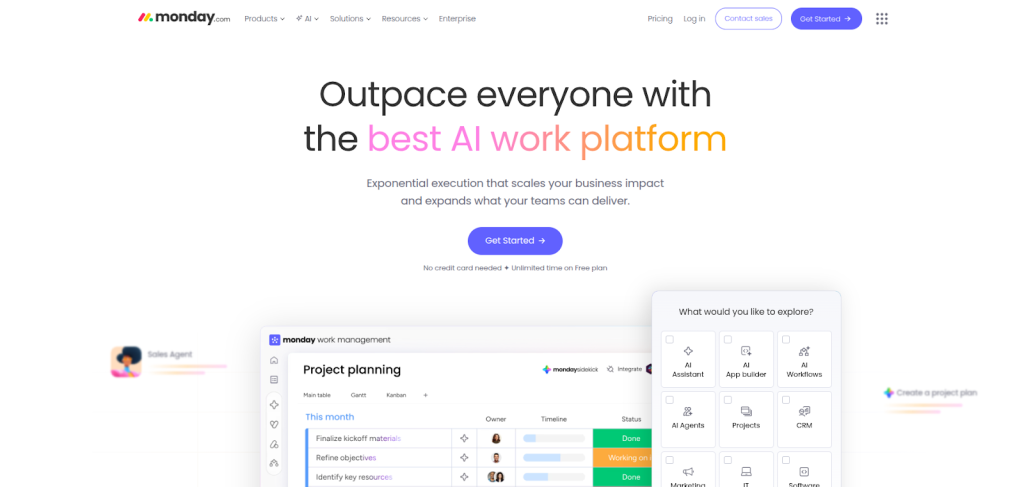
Monday. com offers a visually intuitive approach to project management and is often used by IT teams that collaborate closely with non-technical departments. Its dashboards and boards make progress easy to understand for stakeholders.
Pros
- Easy adoption and strong visual dashboards
- Good for cross-functional and stakeholder visibility
Cons
- Limited depth for engineering-level execution tracking
- Budget and effort insights often need add-ons
5. Smartsheet — Best for Structured, Data-Driven Teams
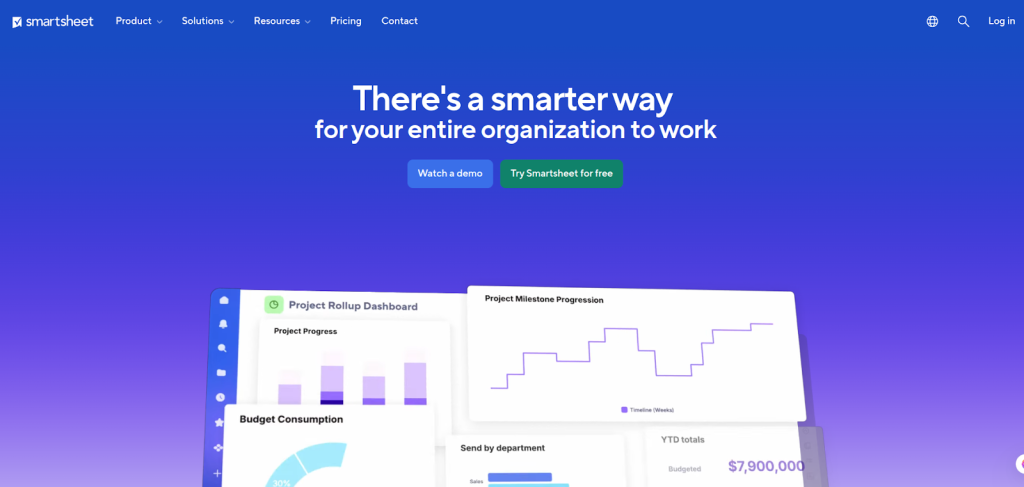
Smartsheet combines spreadsheet-style planning with project automation and reporting. It works well for IT organizations that prefer structured, data-heavy planning and portfolio-level oversight.
Pros
- Familiar interface for spreadsheet-driven teams
- Strong reporting and portfolio visibility
Cons
- Less flexible for fast-moving development teams
- Can feel rigid for Agile execution needs
How to Choose the Best Project Management Software for IT Teams
- When evaluating tools at the decision stage, IT leaders should focus on execution impact, not feature volume.
- Start by assessing whether the software connects time, effort, and progress in one view. This is critical for identifying delivery risks early.
- Next, evaluate capacity and workload insights. Tools should help prevent overcommitment and burnout, not just show task lists.
- Budget visibility is another key factor. If your projects are cost-sensitive, choose software with native budget tracking, not third-party add-ons.
- Finally, consider adoption. The best project management software for IT teams supports engineers without adding friction or administrative burden.
Final Takeaway for IT Decision Makers
For modern IT teams, project management is about more than staying organized, it’s about delivering consistently under pressure.
Workstatus leads this list because it focuses on execution clarity, real effort tracking, and delivery control areas where most traditional tools fall short. For IT project managers and engineering leaders who need confidence in timelines, costs, and workloads, that difference matters.
If you’re actively evaluating IT Project Management Software, start with the tool that shows you how work is actually getting done, not just how it’s planned.